Write blogs with Windows Live Writer, and schedule publish to look like a PRO!
A blog post a day keeps writer’s block away.
I sat down to write a bunch of blog posts tonight, but instead of having everything published at once, I decided to pace it out and have it publish over a few days. Because really, nobody want to read 5 blog posts all at once!
Here’s the hot tip with Windows Live Writer.
- Write your blog
- Before clicking publish - set a publish date

**Figure: Set a future publish date
** - Then hit the publish button
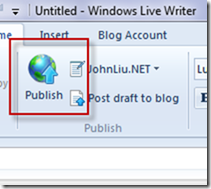
**Figure: Publish!
** - See the articles queued for publishing
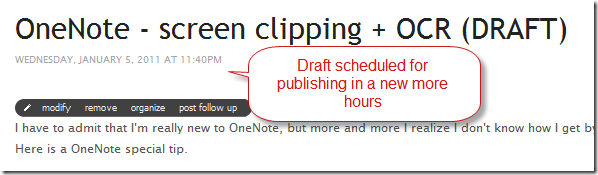
Figure: This guy writes a blog every day!
Discussions