SharePoint 2010 WCF HelloWorld Service and InfoPath
Was looking for a quick tutorial for creating a Custom WCF Service for SharePoint 2010. For some reason couldn’t find one, so I sat down and try it out and decide to write out a few simple steps.
Use CKSDev
http://cksdev.codeplex.com/ version 1.2 included new Visual Studio Item templates for creating WCF services and makes this whole process a breeze. Thanks to Charlie Holland’s hardwork.
Build Solution
-
Create New Blank VS.NET SharePoint Solution “HelloWorldWCF”
-
WCF Service has to be a Farm Solution.
-
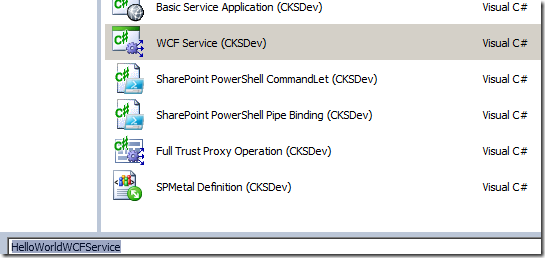
Add New Item, and select WCF Service (CKSDev)
-
The created Service includes a stub method that returns a string.
[BasicHttpBindingServiceMetadataExchangeEndpoint]
[AspNetCompatibilityRequirements(RequirementsMode = AspNetCompatibilityRequirementsMode.Required)]
public class HelloWorldWCFService : IHelloWorldWCFService
{
// To test this service, use the Visual Studio WCF Test client
// set the endpoint to http:///_vti_bin/HelloWorldWCF/HelloWorldWCFService.svc/mex
public string HelloWorld()
{
return “Hello World from WCF and SharePoint 2010”;
}
} -
Compile solution and Deploy to server
Verify Service
- The service is deployed to /_vti_bin/HelloWorldWCF/HelloWorldWCFService.svc
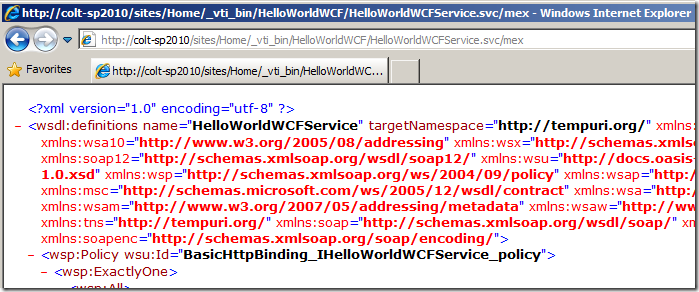
- The endpoint is at http://server/_vti_bin/HelloWorldWCF/HelloWorldWCFService.svc/mex
- Browse it with your browser you should see:
Connect Via InfoPath
-
Create an External Connection
-
Select SOAP Service, use the /mex endpoint
-
You may be asked to authenticate with the service
-
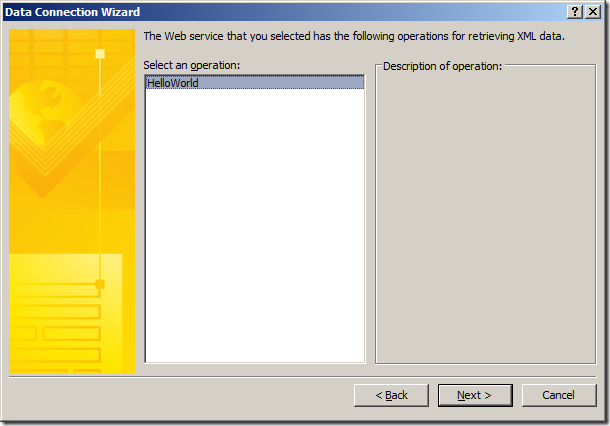
Select the method
-
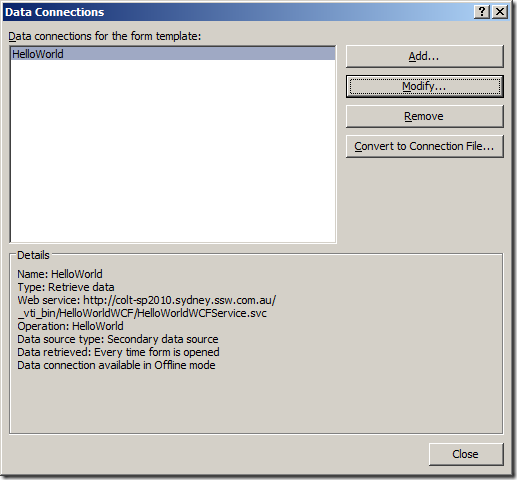
Cache, and Retrieve when form load as necessary.
-
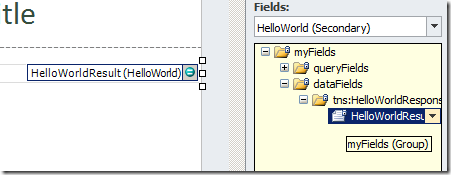
Bind the result of the web service to a textbox
Test in InfoPath
-
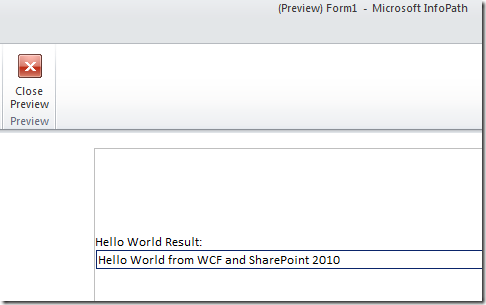
Preview the InfoPath form
Discussions