OneNote - screen clipping + OCR
I have to admit that I’m really new to OneNote, but more and more I realize I don’t know how I get by without it before. Here is a OneNote special tip.
-
Do you ever got a picture where you want it as text?
-
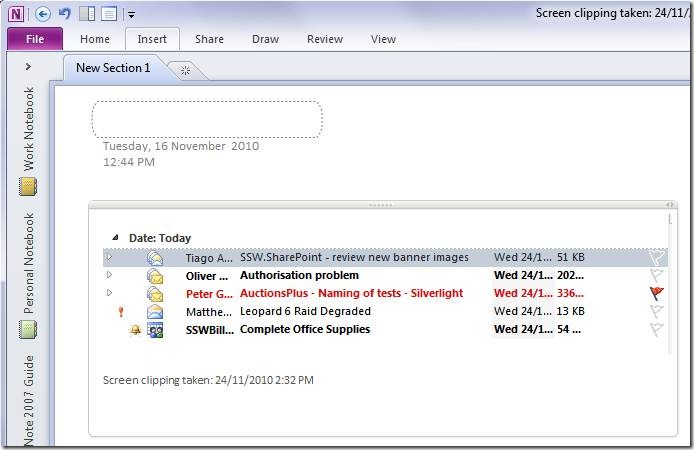
Paste the picture into OneNote
-
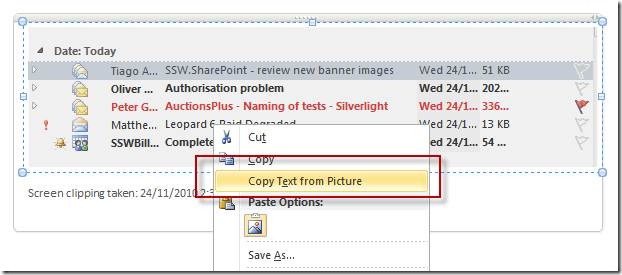
Copy Text out from Picture
-
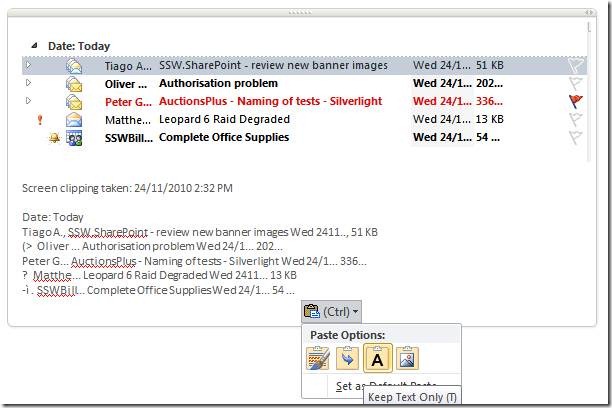
Magic
-
Result: Text pulled from picture as text
(This works with both OneNote 2010 and 2007)
Discussions