InfoPath - an example of using an XML file for special characters
This is an old trick relating to inserting special characters (such as carriage returns) and tricking InfoPath to stop removing them!
http://blogs.msdn.com/b/infopath/archive/2005/03/04/385577.aspx
I’ve decided to take some screenshots to show what you should be expecting when you apply this technique.
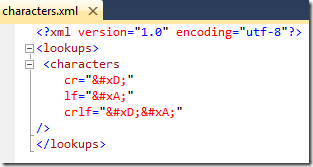
The XML file
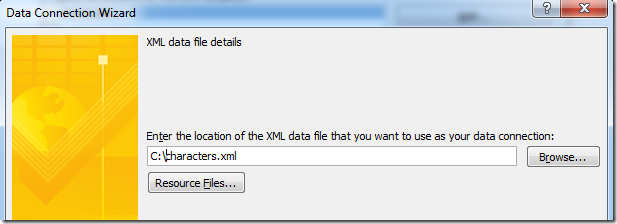
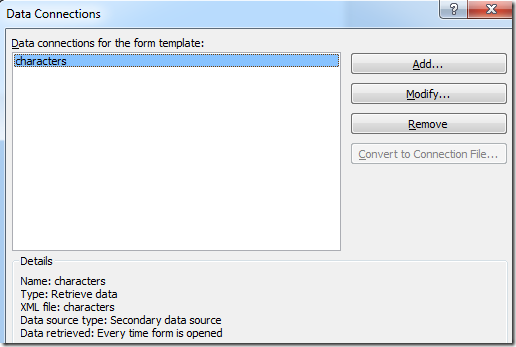
The Data Connection
A formula to use it
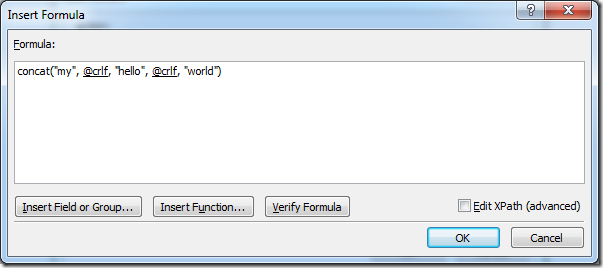
The advanced Xpath is:
concat(“my”, xdXDocument:GetDOM(“characters”)/lookups/characters/@crlf, “hello”, xdXDocument:GetDOM(“characters”)/lookups/characters/@crlf, “world”)
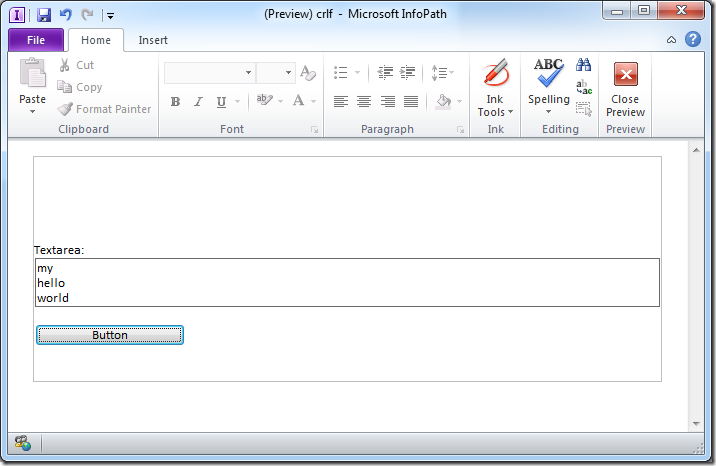
Result - Rich Client
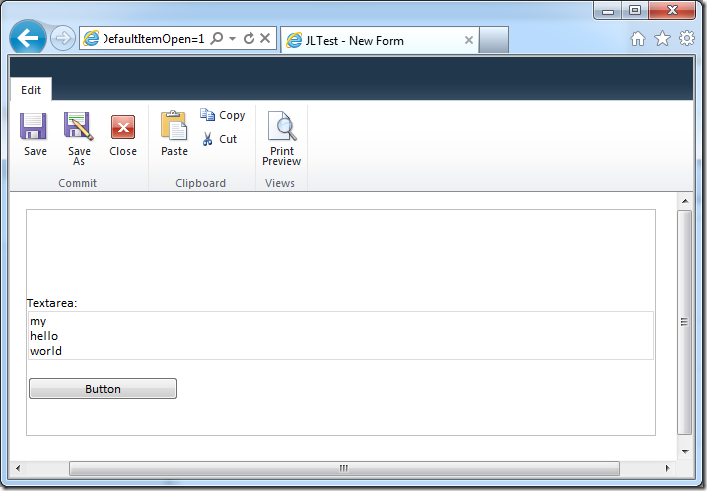
Result - Web Browser Form
The HTML generated in the browser form is:
Notice it has the correct carriage returns creating the new lines.
The example XSN file if you want to download it and have some fun

Discussions